
Markpad
The lightweight Notepad equivalent for Markdown.
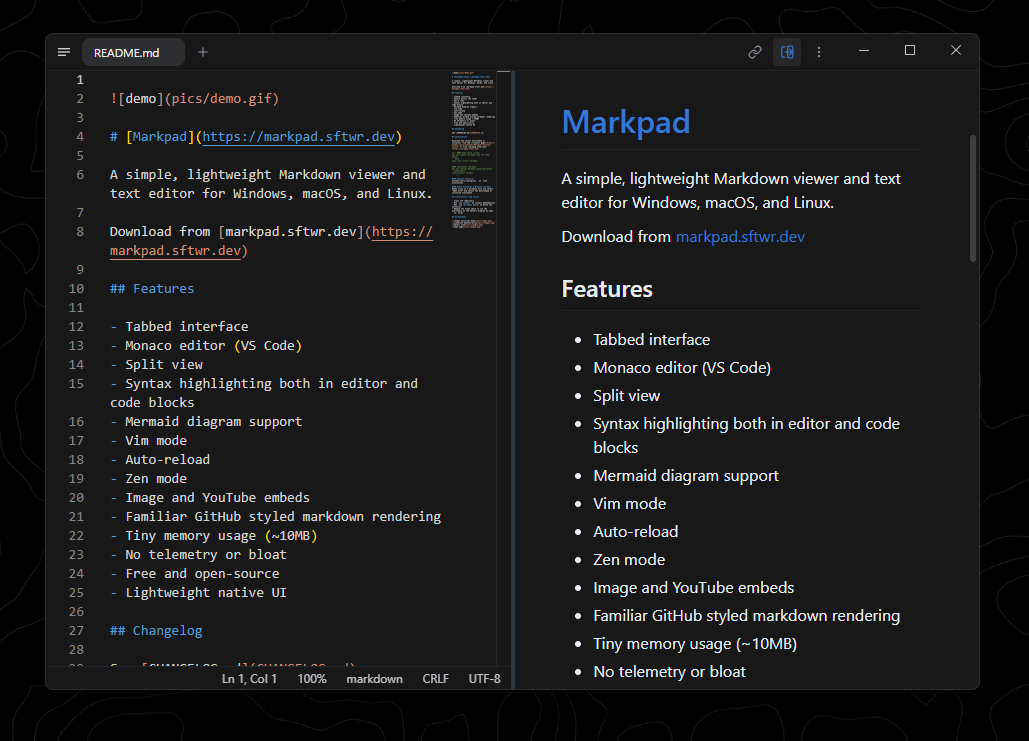
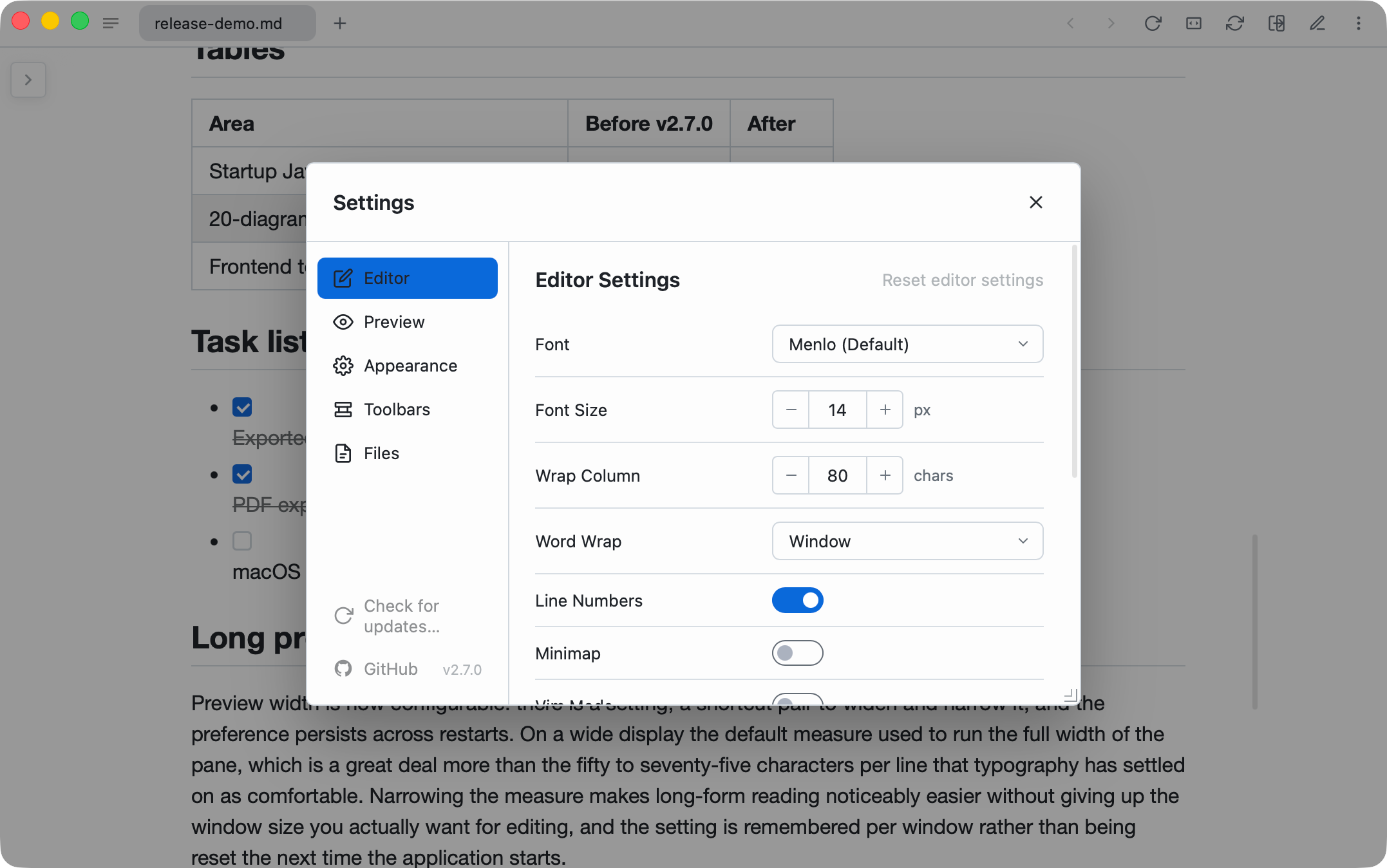
Open, edit, and preview Markdown in a fast cross-platform desktop app built with Tauri. Markpad combines tabs and multiple windows with Monaco editing, split view, auto-reload, Vim mode, Mermaid and KaTeX rendering, themes, zen mode, image pasting, and PDF or HTML export without telemetry.
Product preview
See Markpad in action
What is Markpad best for?
Markpad is a free Markdown tool best suited to a fast, familiar desktop editor for opening and polishing individual markdown files. It is available as Desktop app on macOS, Windows, Linux, and it is open source.
At a glance
- Pricing
- Free
- Source
- Open source
- Best for
- A fast, familiar desktop editor for opening and polishing individual Markdown files
Capabilities
- Monaco editor
- split view
- tabs and multiple windows
- auto-reload
- Mermaid and KaTeX
- Vim mode
- PDF and HTML export
- no telemetry
Platforms
Surfaces
Related tools
mdedit.ai
A visual workspace for serious Markdown documents.
Write, review, convert, and publish Markdown with live previews for tables, diagrams, math, and long documents.

MarkdownObserver
Watch Markdown change as agents, editors, and scripts write it.
Preview Markdown in a native macOS app while it watches project folders for saved changes. MarkdownObserver adds workspace groups, favorite folder watches, multiple-file windows, syntax highlighting, breadcrumbs, and gutter or comparison indicators that make live document edits easy to follow.