
Display
Publish a Markdown file as a shareable, editable web page.
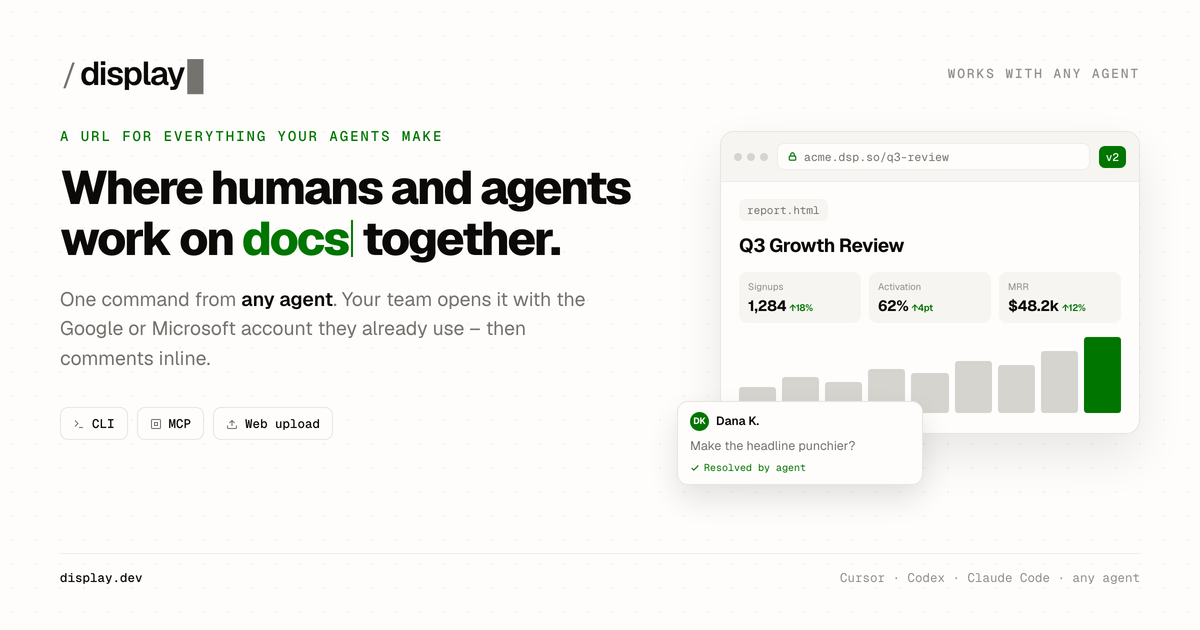
Display turns a Markdown or HTML file into a hosted page with a persistent link. Readers can comment, while permitted collaborators can propose visual or source edits and save a new version. Markdown pages support tables, task lists, math, and Mermaid diagrams. Public pages are available on the free plan; retained version history and higher sharing limits depend on the plan.
Product preview
See Display in action
What is Display best for?
Display is a freemium Markdown tool best suited to sharing a markdown document for review and sequential edits. It is available as Web app, CLI, AI agent plugin on Web, CLI, and its source status is proprietary.
Verified editor profile
Reviewed October 3, 2026
MarkdownList independently checked these facts against the product, its official documentation, or its public source. Missing items mean not verified, not necessarily unsupported.
Editing experience
Long documents
- Outline or table of contents
- Document search
Markdown support
- Tables
- Task lists
- Footnotes
- Math
- Mermaid diagrams
Collaboration and history
- Comments
- Revision history
At a glance
- Pricing
- Freemium
- Source
- Proprietary
- Best for
- Sharing a Markdown document for review and sequential edits
Availability
Platforms
Surfaces
Related tools

HackMD
Real-time collaborative Markdown.
Draft shared technical notes in a browser with Markdown source beside a rendered preview. Live multi-user editing, comments, version history, and team permissions support reviews and shared knowledge. Templates, presentations, GitHub synchronization, math, and diagrams help teams keep technical documents close to their development workflow.
Web app
Web

HedgeDoc
Self-hosted collaborative Markdown notes.
Host a collaborative Markdown workspace on infrastructure you control. HedgeDoc pairs source editing with a live preview, simultaneous editing, note permissions, and revision history. Notes can include diagrams or become slide presentations; running the service requires your own hosting and maintenance.
Web app
Web