MD Flow
Browse and read local Markdown folders on Apple devices.
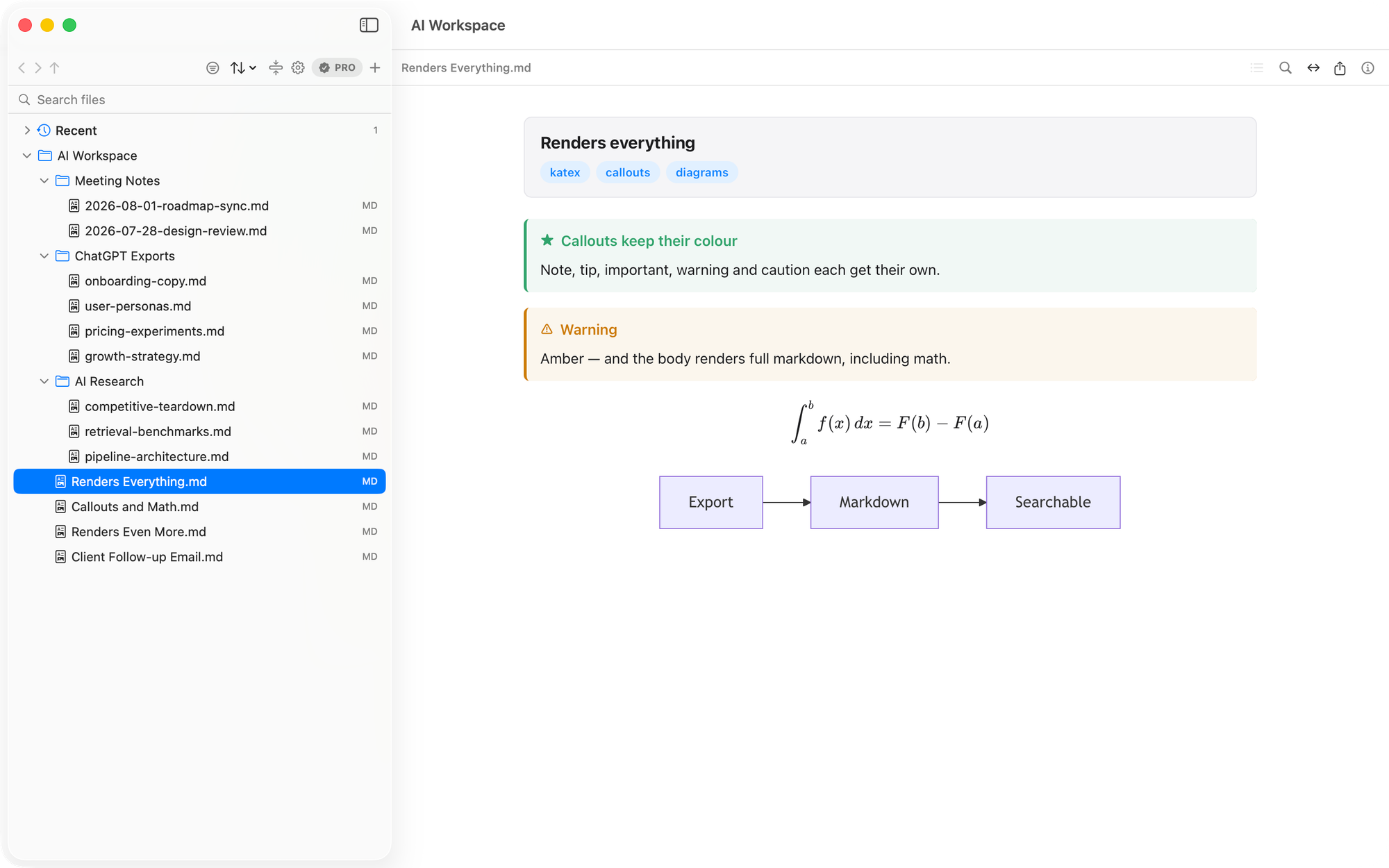
A native Markdown reader for Mac, iPhone, and iPad that opens folders already on your device. Its rendered view handles tables, syntax-highlighted code, math, Mermaid diagrams, and callouts, with a table of contents for long files. The free tier covers folder browsing and previews; a one-time Pro purchase adds cross-folder content search and PDF export.
Product preview
See MD Flow in action
What is MD Flow best for?
MD Flow is a freemium Markdown tool best suited to reading existing markdown folders across mac, iphone, and ipad without moving files into a note app. It is available as Desktop app, Mobile app on macOS, iOS, and its source status is proprietary.
Verified editor profile
Reviewed September 28, 2026
MarkdownList independently checked these facts against the product, its official documentation, or its public source. Missing items mean not verified, not necessarily unsupported.
Editing experience
Files and offline use
- Local Markdown files
- Folder or workspace support
- Works offline
- Detects external file changes
Long documents
- Outline or table of contents
- Document search
Markdown support
- Tables
- Math
- Mermaid diagrams
- Syntax-highlighted code
Output and extensions
- PDF export
At a glance
- Pricing
- Freemium
- Source
- Proprietary
- Best for
- Reading existing Markdown folders across Mac, iPhone, and iPad without moving files into a note app
Availability
Platforms
Surfaces
Related tools
Marko MD
A focused viewer for the Markdown that Claude writes.
Read local plans, reports, specs, and runbooks in task-specific Reading, Plan, and Interactive modes. Marko runs as a lightweight macOS or Windows app, a standalone browser file, an npm CLI and live server, or a Claude Code plugin, with no accounts, telemetry, or uploads.
Web app · Desktop app · CLI · AI agent plugin
Web · macOS · Windows · CLI
Tim’s Markdown Reader
A fast, minimal, offline Markdown viewer for Mac.
Read local Markdown without opening an editor. This native Swift app renders tables, code blocks, task lists, footnotes, local images, and Mermaid diagrams offline, with linked-file navigation, full-document find, and automatic reload when files change.
Desktop app
macOS