
mdBook
Create books from Markdown files.
Build a browsable book or documentation site from Markdown chapters with a Rust command-line tool. mdBook generates navigation, integrated search, and highlighted code blocks, with local preview while writing. Themes, preprocessors, and alternative backends extend the output, and Rust code examples can be tested as part of the build workflow.
Product preview
See mdBook in action
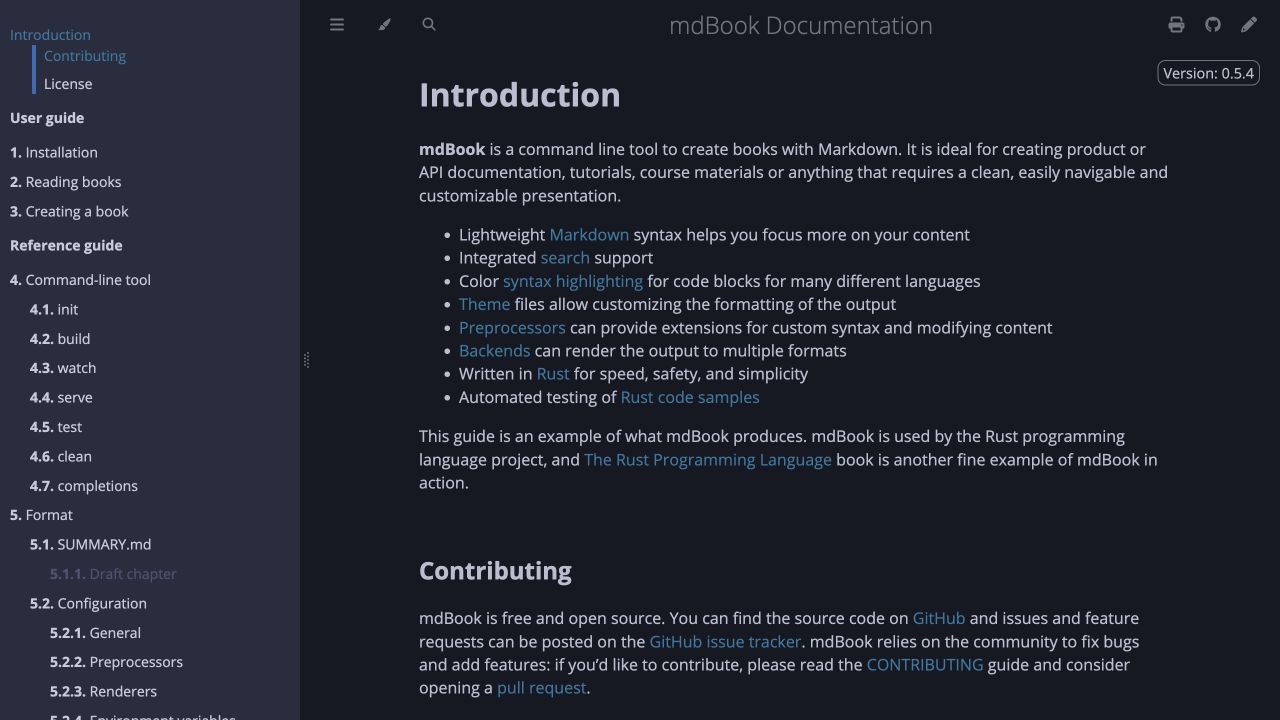
What is mdBook best for?
mdBook is a free Markdown tool best suited to publishing technical books, tutorials, and project documentation. It is available as CLI on macOS, Windows, Linux, CLI, and its source status is open source.
At a glance
- Pricing
- Free
- Source
- Open source
- Best for
- Publishing technical books, tutorials, and project documentation
Capabilities
- Markdown chapters
- integrated search
- syntax-highlighted code
- local preview
- themes and preprocessors
- Rust example testing
Platforms
Surfaces
Related tools

Blognami
Publish a Markdown blog on your own terms.
Write posts and pages in a Markdown editor with a side-by-side preview, organize them with tags, and publish through a hosted or self-hosted blog. Blognami includes passwordless sign-in and supports multiple blogs from one installation. Its MIT-licensed source includes the blogging app and underlying JavaScript framework; hosted use has a free tier and a paid custom-domain option.
Web app · CLI · Library
Web · CLI

Docsify-This
Turn an online Markdown file into a shareable web page in seconds.
Paste a public Markdown URL from GitHub, Codeberg, or another host and publish it as a styled page without setting up a server or changing the source file. Docsify-This supports standalone pages, linked sites, presentations, embeds, layout and typography options, Mermaid, LaTeX, and reusable publishing URLs.
Web app
Web